The Mini UPS Battery Backup for Home Router UK Homes Keep Buying. Will It Fit Your Sky Hub?
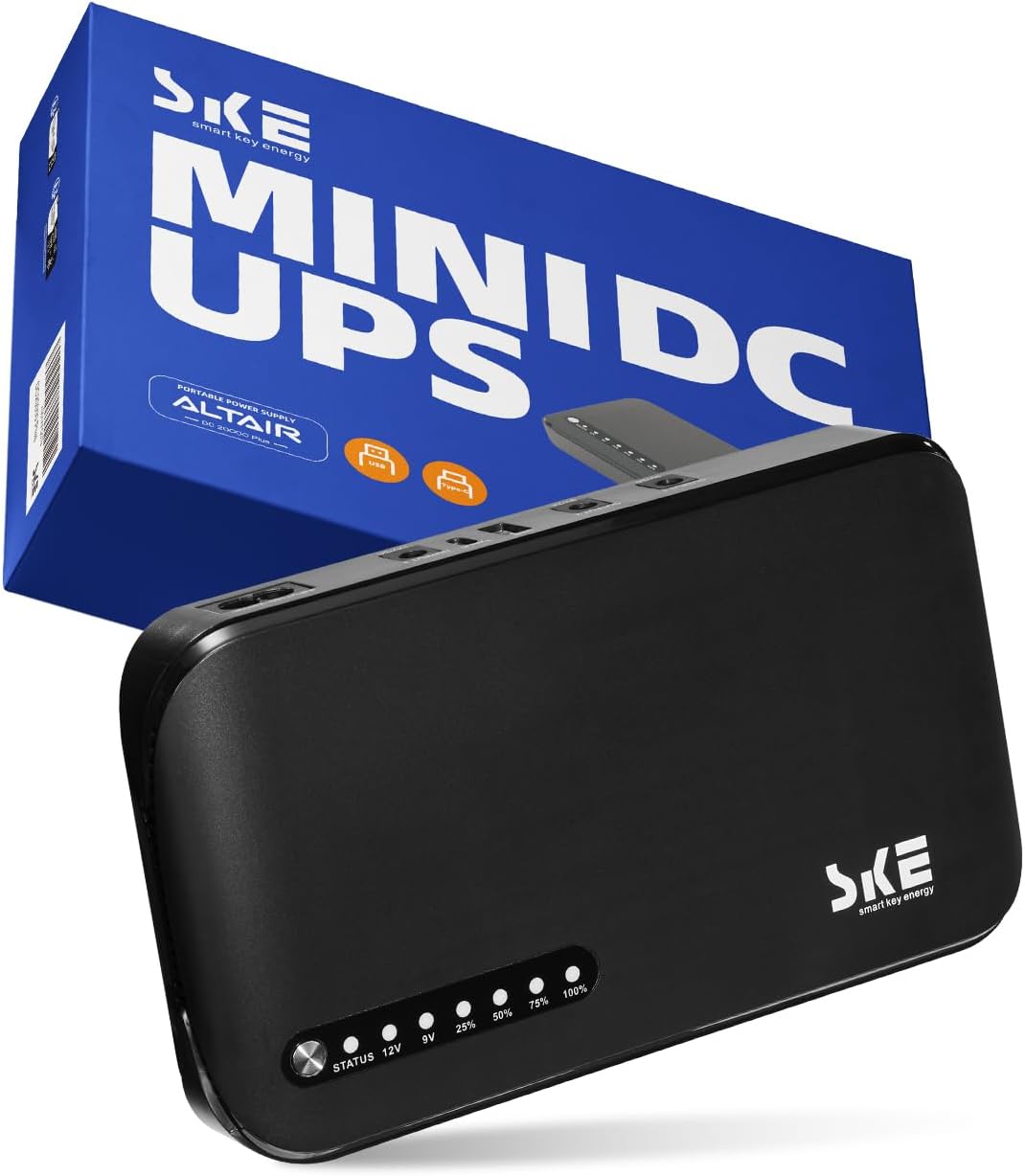
Your router has no battery. Your phone does, your laptop does, but the box that hands them the internet dies the instant the lights go out. A paperback-sized DC UPS fixes that, and the British reviewers here are largely sold. The catch is a barrel plug narrower than a pea.
- Check the Plug Before You Check Anything Else
- Then Check the Amps. If You Own an eero, Stop Here.
- Seven Hours at 20W? Not According to the Reviewer With a Meter
- Why a Mini DC UPS Beats the Full-Size Tower Under Your Desk
- The Most-Voted Complaint: It Went to Sleep and Stayed There
- Eight Dead Units in a Hundred, and What Happened When Owners Asked for Help
- The Lights Are Very Bright and the Power Cord Is Very Short
- The Verdict on the Mini UPS Battery Backup for Home Router UK, and the One Thing to Check First
A full-size UPS is a lead-acid brick that lives under a desk, hums, and is heavy enough that you only ever move it once. It spends its whole life converting battery DC up to mains AC so that your router's little black power brick can convert it straight back down to DC again. It works. It is also an absurd way to keep a router online.
A mini DC UPS skips the round trip. It replaces the power brick outright, sits between the wall socket and the router, and when the mains disappears it carries on pushing the same 12V down the same cable. No inverter, no reboot, no gap in the WiFi. Phil B, running an EE Smart Hub Plus off one, describes the switchover in five words: "the router doesn't even blink".
SKE's DC20000 is the unit UK buyers keep landing on, and it holds 4.3 stars across 330 Amazon ratings. Of the 100 most-recent reviews, 47 come from British buyers, and most of them are delighted. The trouble, when it comes, arrives before the battery has done anything at all. It arrives at the moment you try to push the plug into the back of your router.
Check the Plug Before You Check Anything Else
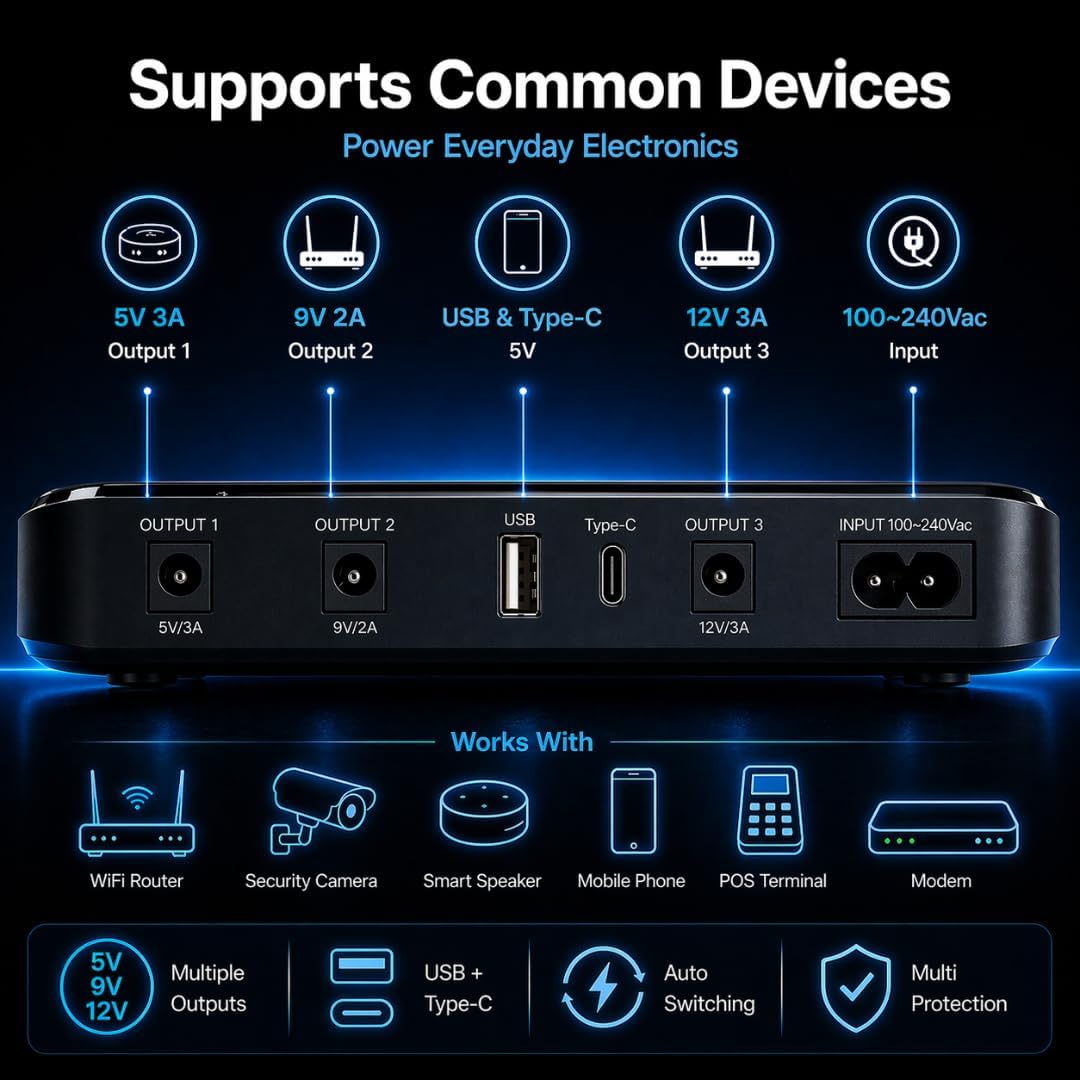
Every other question about this thing is secondary. UK routers are DC devices. The mains brick that came in the box turns 240V AC into 12V, 9V or 5V DC and sends it down a thin cable with a barrel connector on the end. The SKE replaces that brick, which means its barrel has to physically fit the socket on your router and deliver the right voltage.
Get that right and the rest of this review is a formality. Get it wrong and you are packing the thing back up.
Five of the 47 UK reviewers in this sample hit exactly that wall. Rebecca's one-star is the whole story in a single line: "I'm afraid that none of the connectors fitted my Sky hub so I had to return." A Plusnet Hub owner ran into the same thing and pinned the blame on the listing: "The kit comes only with 1.35mm, 2.1mm and 2.5mm power plugs, unfortunately this is not clear from the listing." Tim091 came at it with a Virgin router and found that "although the router has a 12v power supply and this has a 12v output the plug doesn't match", noting that the SKE's plugs all expect the device's socket to hold the centre pin, while his Virgin box, he says, is wired the other way round. Andrew Till's BT modem needed a barrel bigger than anything in the box: "there wasn't one big enough for the BT modem. I had to get some more adapters separately."
None of that makes the SKE a bad UPS. It makes it a UPS you have to measure for. Josh C. kept his five stars and simply bought the missing part: "Needed some additional DC adapters (readily available on Amazon) to work with a Sky SR203 router." He is now running a Sky SR203 and an Openreach ONT off it and waiting for the next storm.
One thing to know before you go and read the reviews yourself: some of the angriest plug-does-not-fit complaints on this listing come from American buyers with AT&T gateways, not British ones. Amazon pools this page across marketplaces, and only 47 of the last 100 reviews were written in the UK. Someone raging about an AT&T fibre modem tells you nothing about your Sky, BT, Virgin or EE box.
So do this first: read the label on your router's existing power brick. It will say something like 12V 2A. Match that voltage to one of the SKE's three DC outputs, then check the plug diameter against the cables in the box. If your brick says 19V, walk away, because there is no 19V output on this unit.
Then Check the Amps. If You Own an eero, Stop Here.
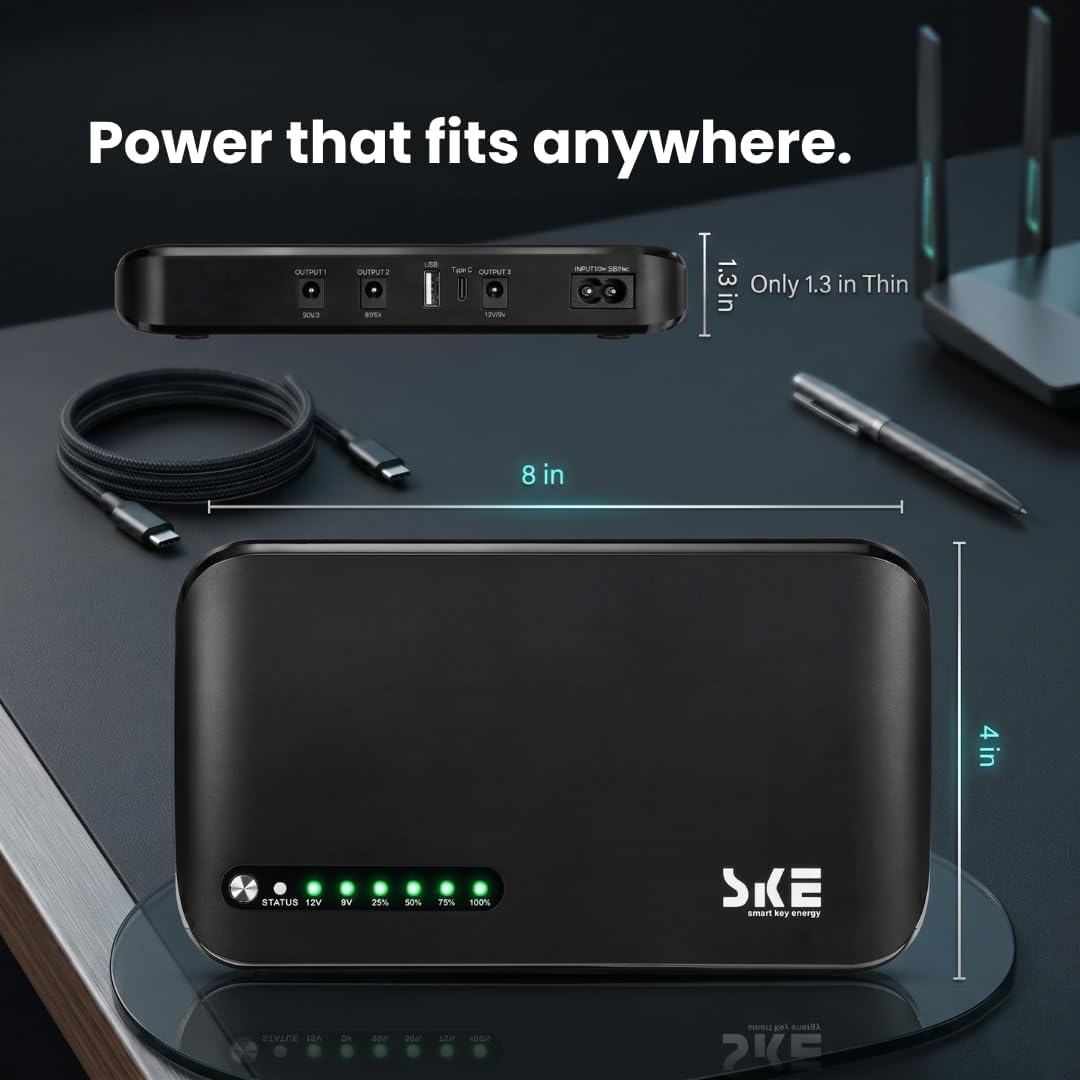
The second gate is current, and no adapter in the world fixes this one. The SKE's DC outputs are fixed at 5V/3A, 9V/2A and 12V/3A, with the USB port listed at 5V/2A. If your router wants more amps than the matching output can supply, the answer is no.
Which is where the eero owners get off. jazzy jim gave it two stars for precisely this: "My eero take a higher current which this does not support." John W landed in the same place, shrugged, and kept his five stars, because everything else in his rack was happy: "not powerful enough for my eero router, but handles the switch and the pi hole and fiber modem with room to spare".
Raspberry Pi 5 owners get the same answer. Crunchy Frog bought one for exactly that job and worked out why it would not do it: "only the 12V DC barrel output can provide 36W with 3A of current. The best the USB sockets can supply at 5V is 15W".
Reviewers put the combined ceiling across every port at 36W. Gaia's line is the one to keep in your head: "The maximum output combined all devices that are powered from this is 36W". That is a budget for everything plugged in at once, not per socket, so a router plus an ONT plus a switch are all eating from the same plate.
Where the numbers do line up, it is excellent. Mathew Teague hangs a Ubiquiti Dream Router off his, with PoE security cameras and a doorbell running through it, and says "my Ubiquiti Dream Router is quite hungry and this has been able to support it with no issues". TimS used his to protect a fibre ONT and was blunt about why he chose it: "Fitted this to protect our fibre ONT without needing to add a full size UPS unit."
Seven Hours at 20W? Not According to the Reviewer With a Meter
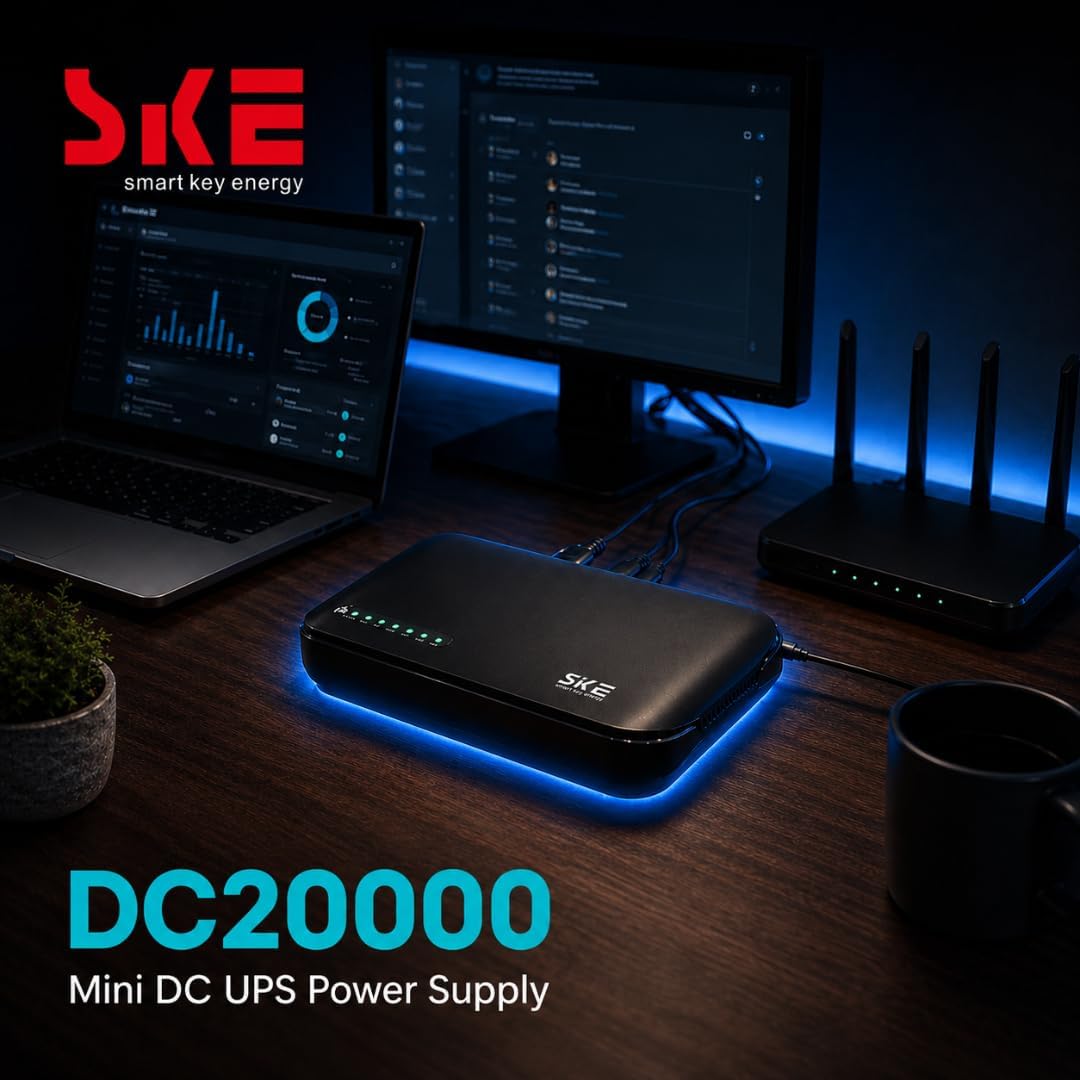
The listing makes one headline promise: 20000mAh, enough to "power a router and modem (20W) for up to 7 hours". GrumpyDoc, who put a USB dummy load and a meter on his, is not having it.
His measurements: 47Wh delivered through the USB port, 54Wh through the 12V DC output. His conclusion is unusually direct for an Amazon review: "The claim in the listing that the unit will supply 20W for 7 hours is fantasy." His own figure is that "realistically this unit is supplying 20W for 2.5 hours at most", and he dropped his review to four stars over it. He still calls the SKE "a decent enough unit".
Both things can be true, because 20W is a lot of power for home network gear and almost nobody draws it. Jed Hammond metered a Google router and a fibre media converter together and reported that "the total power consumption was 12W so the ups/battery should last for 10-11 hours in the event of a power failure". Richard's fibre ONT ran nine hours through a real outage and the unit "was only down to 75%". Tott's router went eight hours and "it was still going strong". Another owner left a 12V router on it for eight hours "without drawing down the battery" and stopped the test there because he had seen enough.
So ignore the 20000mAh figure. As Tott points out, "20,000 mAhr means nothing without specifying the voltage". The number that decides your runtime is the one printed on your router's brick. A 12V 0.5A Openreach ONT is 6 watts, a figure Gaia read straight off the label of their BT box, and at that draw you are in Richard's territory: nine hours with three quarters of the battery still showing. A router whose brick says 12V 2A can pull up to 24 watts and you are into GrumpyDoc's territory, a couple of hours at most.
For the average British power cut, that is enough and then some. The outages people describe here are the storm and tripped-substation sort, measured in hours, and the SKE walks through them. One reviewer working from home carried on through a two-hour cut without breaking stride: "It's performed perfectly and enabled us to carry on working through a 2 hour power cut."
Why a Mini DC UPS Beats the Full-Size Tower Under Your Desk
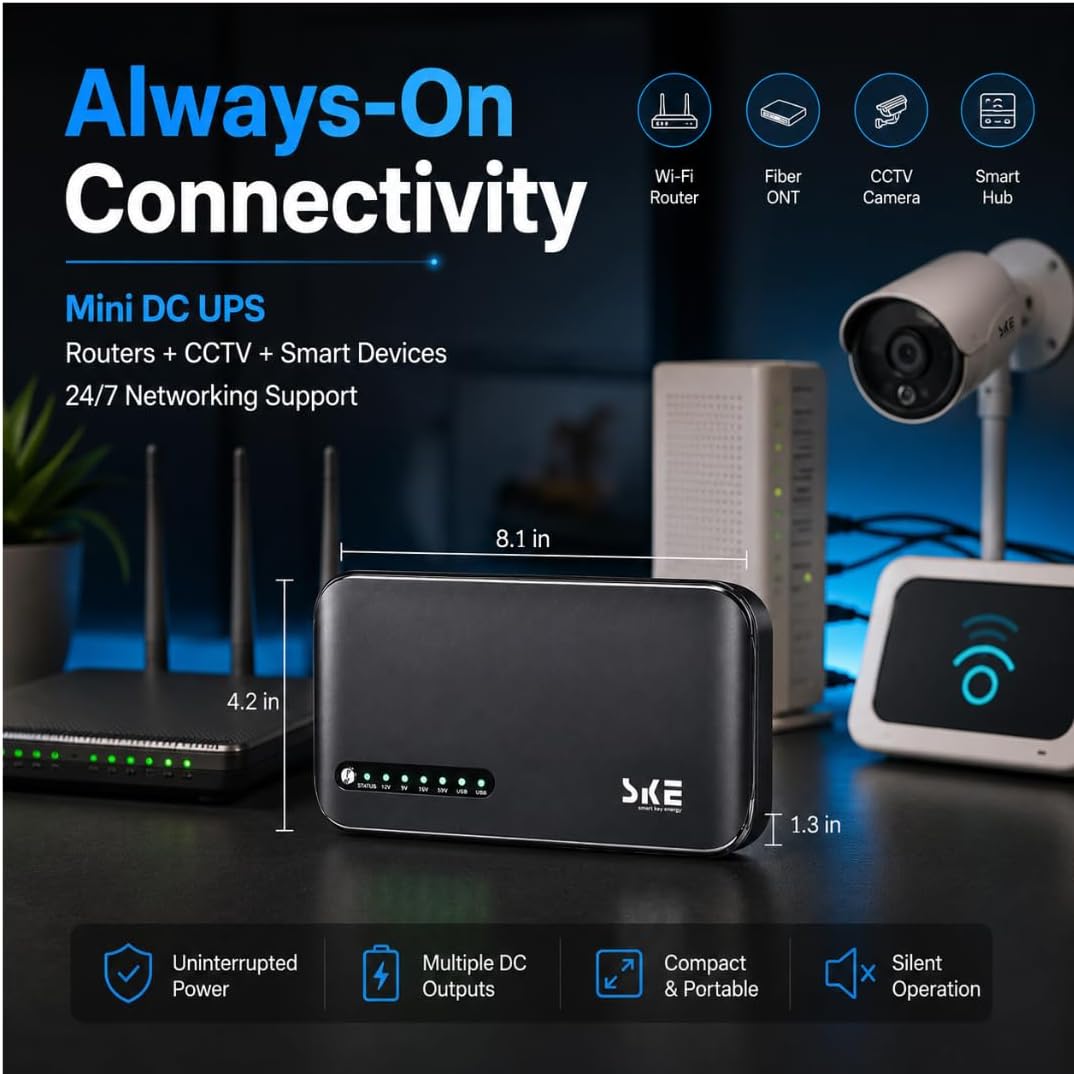
Most people shopping for one of these have an APC or CyberPower tower open in another browser tab. That is the comparison that matters, and the little SKE wins it more often than you would expect.
A tower UPS pulls DC out of a lead-acid battery, inverts it up to 230V AC, hands it to your router's power brick, and the brick converts it straight back down to 12V DC. You pay for that round trip in wasted watts, which is how a big UPS with far more raw capacity still runs out first. Owen Johnson put it plainly: "The battery life is a lot better for this scenario (low power DC devices) than buying an traditional UPS, which would run at a much higher capacity for a lot less time."
Jeremiah Johnson swapped one out and was not gentle about the old kit: "This is 1000% better than the old Cyber Power UPS with a lead acid battery." His reasons were bulk and heat. The SKE, he says, "is a quarter of the size of a traditional UPS" and "does not put out the heat of a traditional UPS".
Against the closest direct rival, APC's Back-UPS Connect, Printier came down on the SKE's side and titled the review "Beats the Schneider (APC)". The deciding factor was the built-in mains supply. The alternatives he had tried "did not include their own SMPS instead asking me to recycle the one that comes with the router", whereas "this SKE unit has its own built in power supply", and while it "costs a little more than the Back-UPS Connect" he reckoned it "gives more value for money". In practice that means one box, one figure-of-eight lead, and your router's old brick goes in a drawer.
And against a plain power bank? Don't. RAbd, who otherwise rates the thing, is scathing about that idea: "There is no point using this a a regular power bank, you can get devices to do that equally as well for a fifth of the price." He is right. You are paying for the DC outputs and the instant switchover, not the cells. Check today's price on Amazon and hold it next to a 20000mAh power bank if you want to see exactly what the UPS half is costing you.
The one job a tower still does better: it powers things with a three-pin plug. A desktop PC, a NAS, a television. The SKE has no mains output whatsoever. Gaia was sceptical about that at first and came round, on the grounds that it connects directly to low power DC devices and therefore does not need one.
The Most-Voted Complaint: It Went to Sleep and Stayed There
The most helpful review on this listing, by a distance, is a one-star. criticalhippo's carries 22 helpful votes, more than three times the next in the sample, and it describes a failure nobody thinks to test for.
The power cut lasted two days. The SKE did its job for the first few hours, held a 12V router up, then flattened, which is expected and forgivable. What came next is the problem. "the UPS flashed all its lights in despair for well over a day without mains. When power to the house was finally restored, it stayed in that broken state while other manufacturers' UPS units just supplied power again to attached devices as you'd expect." The router stayed dark. "It stayed broken like that for three hours before I pressed the button on it and it sprang back into life."
Read that carefully, because it does not mean the SKE flunks ordinary cuts. Everyone else in this sample who lost power for two, four or nine hours and got it back describes the router simply carrying on, and the unit recharging without fuss. Robert Williams pulled the mains for four hours, kept his modem up with 75% still in reserve, then "plugged the AC plug back in and the unit charged up with no issues".
criticalhippo found the edge case: an outage long enough to drain the battery to nothing. If that happens while you are out, you come home to a dead router and a UPS that wants a button press. For a holiday let, a second home, a CCTV rig you check remotely, that is a real limitation and you should weigh it properly. For a house you are living in, it is an irritation you will meet once.
Bryan, a three-star reviewer, found a related quirk. With a device plugged into USB that was not drawing power at the moment of the cut, his unit switched off rather than holding the DC output. He says the UPS behaved correctly on the occasions when nothing was in the USB port. Nobody else in this sample reports it, but it is worth knowing if you plan to leave a phone charging off the same box.
Eight Dead Units in a Hundred, and What Happened When Owners Asked for Help
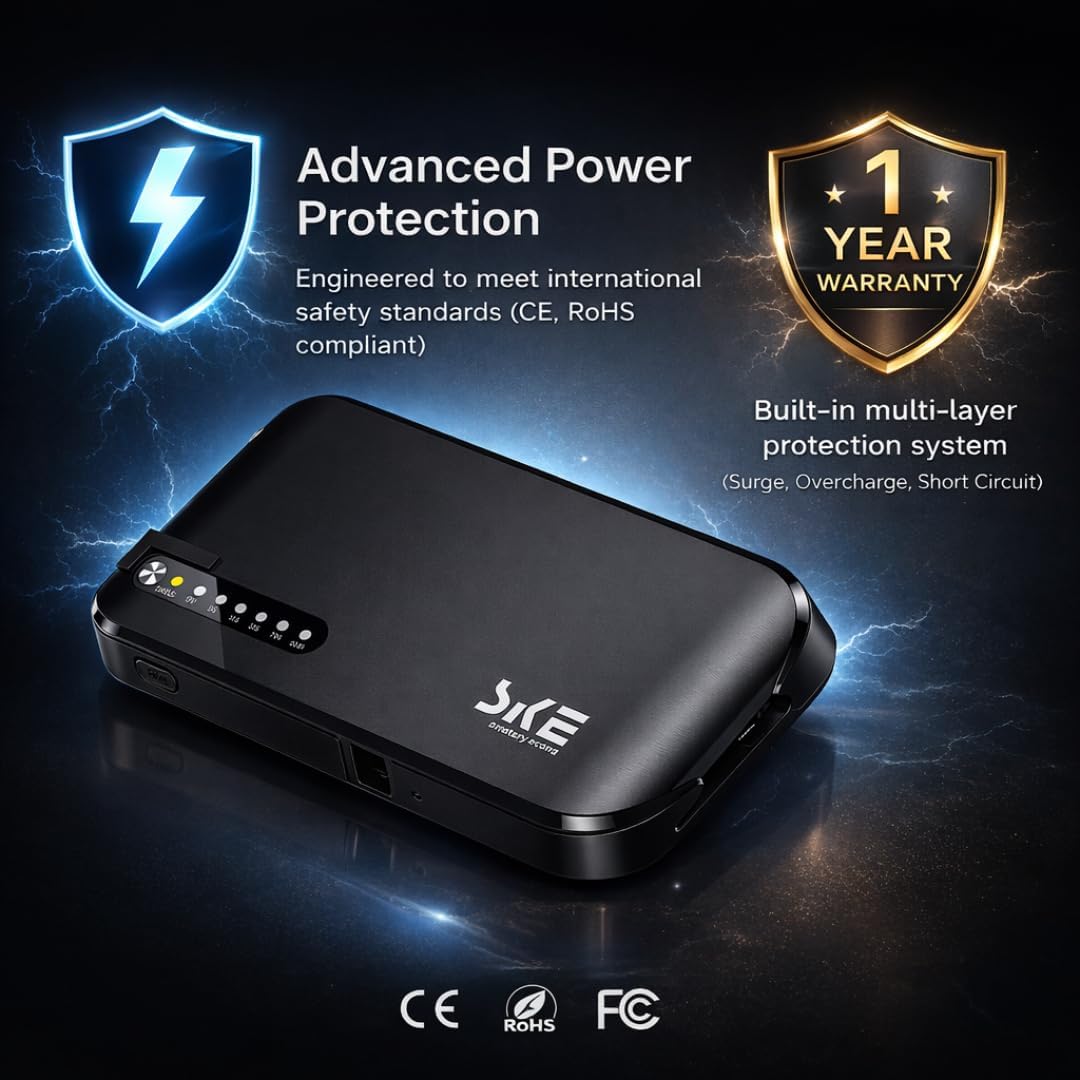
This is the part that keeps it off a straight five stars. Eight of the 100 most-recent reviews describe a unit that died, or never worked in the first place.
The pattern is not a slow fade, it is a hard stop. Banjoey: "My unit lasted for approximately 8 months and then died when I went out of town." 97accordguy got five months before it "stopped charging one day. There was no power surge or outage. Just started beeping." Another buyer had two clean weeks of 12V 3A output before the unit stopped delivering it. Three more never got them working at all, one reporting "zero power output straight out of box" from every socket on the thing. In the UK, Dmytro L. managed about ten minutes: "It works from battery just about 10 minutes and then throws errors and doesn't provide power anymore. Of course, it was fully charged."
What sours it further is the aftermath. 97accordguy: "Reached out to support for help and never got a response." A French buyer whose unit failed after 40 days said the same, that the warranty could not be made to work.
Eight in a hundred is not a catastrophe, and seven of those eight are non-UK buyers, which given how Amazon pools this listing may say more about who writes reviews than about the hardware. It is still high enough that you should treat the Amazon return window as your test period rather than your grace period. Charge it fully, pull the mains, confirm it holds your router for an hour, and do it in the first month. Not on the night of the first storm.
The counterweight: GrumpyDoc notes the cells are LiFePO4 rather than ordinary lithium ion, which "should improve longevity as these generally withstand more charge cycles than Li-ion". One Italian owner is six months in and more than satisfied. If it survives its first weeks, the reviews suggest it settles down.
The Lights Are Very Bright and the Power Cord Is Very Short
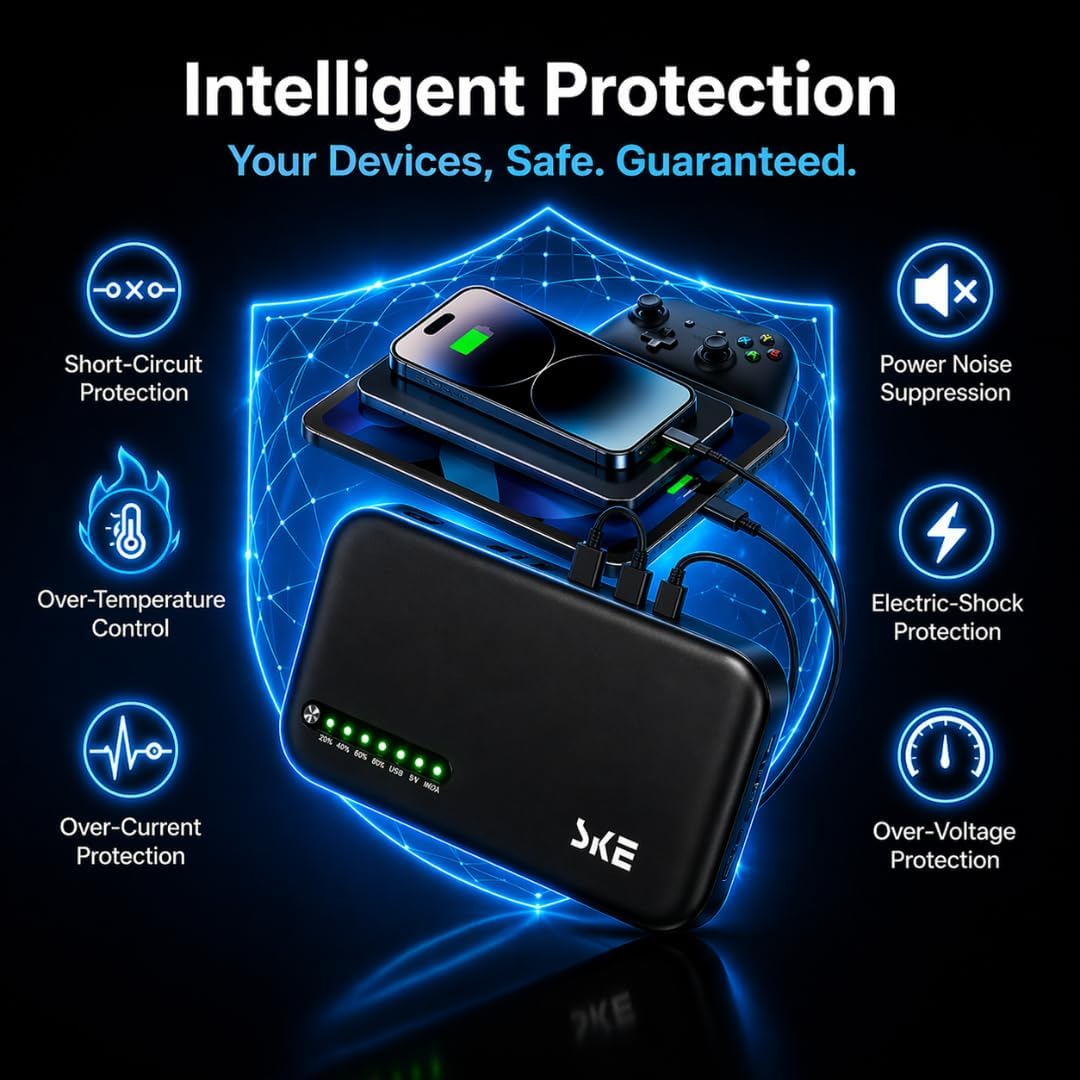
Assume it fits, and assume it works. There is still a short list of things that will get on your nerves.
The LEDs. A row of them across the front, and reviewers raise them unprompted. Mips knocked it to three stars partly for "the very and I mean very bright indicator lamps. I will have to cover these." One owner reported that "the multiple LED charge status indicators on the UPS are BRIGHT", and that he did not need to switch a light on when he went to check it in a dark cupboard. GrumpyDoc agrees that "the status LEDs are really a bit too bright". If this is going in a bedroom, buy electrical tape at the same time.
The noise. Silent in normal use, which is one of its nicest advantages over a fan-cooled tower. But it does talk to you. GrumpyDoc calls it chatty, with "various beeps and bings to convey its status" that he found "actually a bit annoying". Owen Johnson counts the same behaviour as a plus: "It does not make any annoying noises when the power is out, just a chime when it changes to/from battery power."
The mains lead. A figure-of-eight C7 cord, and it is stubby. RAbd's all-caps outburst is the most quotable line in the entire review set: "WHY IS THE POWER CORD SO MINI AS WELL?" His own fix, and it is the right one, is to "just grab yourself a longer C7 power cord".
No monitoring. The complaint from the power users. There is no data link to a computer, so nothing reports load, battery level or estimated runtime. GrumpyDoc: "the biggest omission as a UPS is there is no reporting of status or capacity via the USB but it is abit cheaper than units which include that functionality". You get a strip of battery-level LEDs that owners report reading at 100, 75 and 50 percent, and that is the whole telemetry suite.
The ONT. If you are on full fibre, the router is only half the job. nannyowen found out the hard way: "We had full fibre installed just before Christmas ad I didn't realise that the box for that also needed power." Plan an output for the ONT as well as the router, and remember both come out of the same 36W ceiling.
The Verdict on the Mini UPS Battery Backup for Home Router UK, and the One Thing to Check First
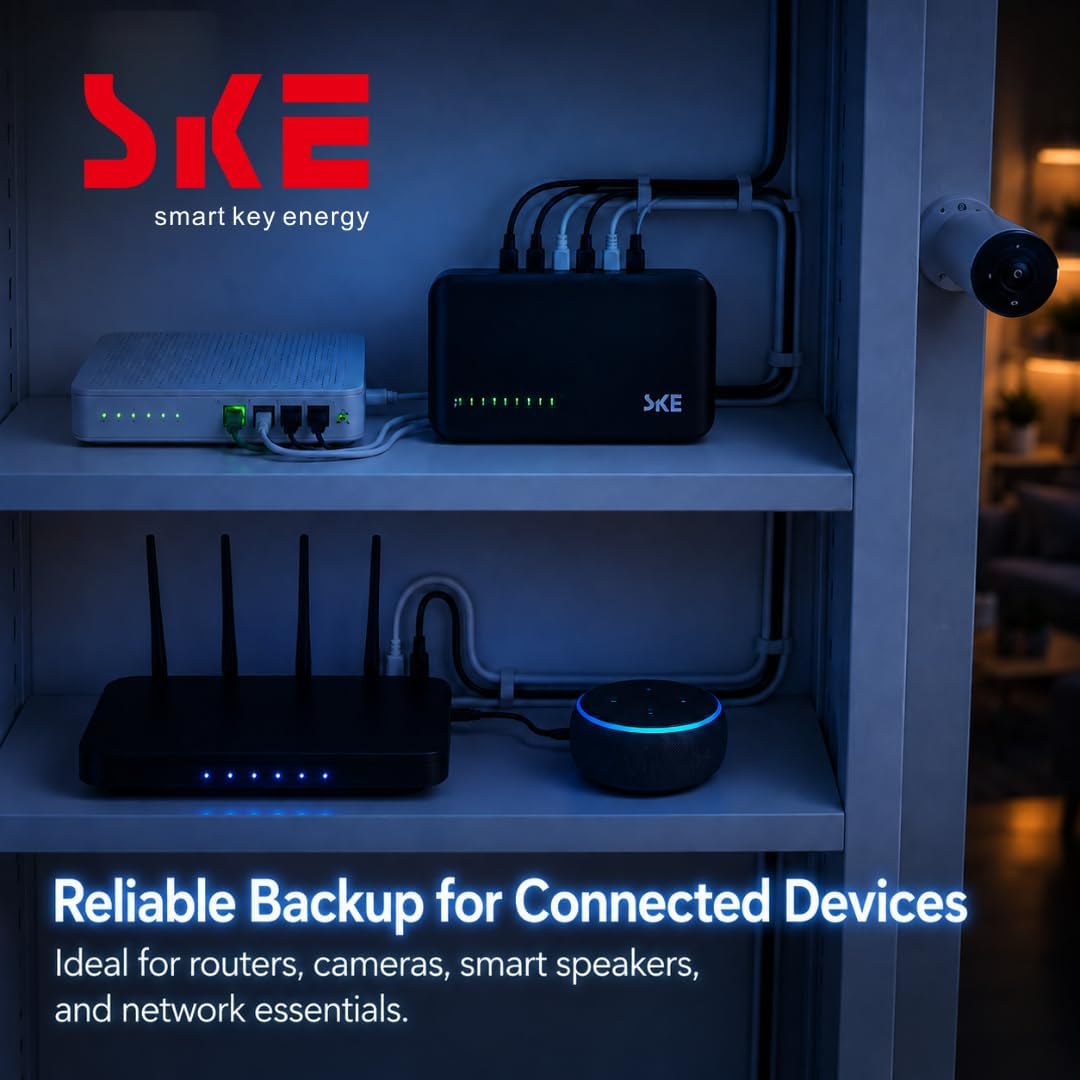
Buy it if your router's power brick says 5V, 9V or 12V, the current it asks for sits inside the SKE's limits, and the barrel plug fits, or you are content to buy an adapter. You then get exactly the thing you came for. The street goes dark, the lights go out, and the WiFi does not flicker. Working through a cut, CCTV that keeps recording, a landline that stays alive because it runs through the router, kids' tablets that carry on while you hunt for the torch. That is what the UK reviewers with compatible kit describe, with one exception whose unit simply failed.
Skip it if you run an eero, if you were hoping to power a Raspberry Pi 5 from the USB-C port, if your router's brick says 19V, or if you want something that will hold up a desktop PC or a NAS on a three-pin plug. It cannot do any of that, and no amount of goodwill will change the ports on the back.
Think twice if the unit will live somewhere you do not. A cut long enough to flatten it can leave it needing a button press before it starts feeding your router again, and if you are 200 miles away at the time, that is not much of an uninterruptible power supply.
Against a tower UPS it wins on runtime, size, silence and heat. Against a power bank it wins because a power bank cannot switch over instantly or feed a barrel plug at 12V. Against the APC Back-UPS Connect, the built-in mains supply is a real edge, and the one reviewer here who has tried both preferred this. It is not cheap for something that looks like a power bank, and several reviewers say so out loud, but it is the right shape of product for the job and the UK reviews back that up.
Now go and read the label on your router's power brick. That one line of small print decides whether this is the best thing you buy all year, or a trip to the Post Office.
SKE Mini UPS UK DC20000mAh Battery Backup & Surge Protector
A paperback-sized DC UPS that replaces your router's power brick and keeps the WiFi, the ONT and the CCTV alive when the mains drops. 5V, 9V and 12V barrel outputs plus USB-A and USB-C. Check your router's plug first.